Photocopier Maintenance Checklist for Offices
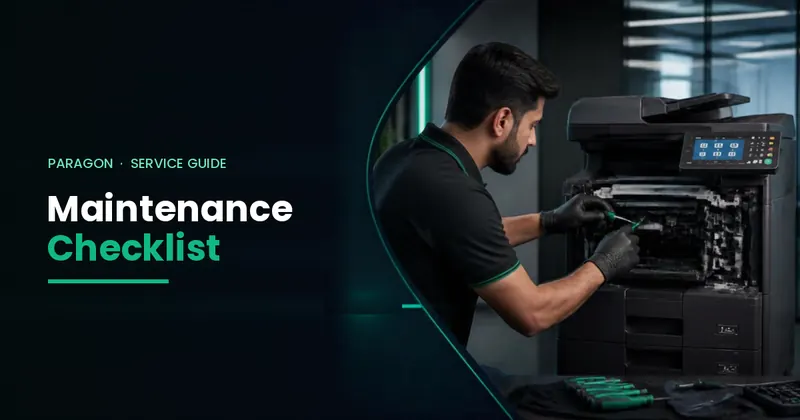
Short answer: Keep the glass and document feeder clean, use good paper stored dry, clear jams gently, keep the machine switched on through a stable power supply, and book preventive service every 1–3 months depending on volume. Leave the fuser, laser unit and electrical parts to a trained technician.
Daily (office staff)
- Wipe the scanner glass and the thin scanning strip next to it with a soft, dry lint-free cloth. Dust here causes lines on copies.
- Check the paper trays: correct size set, paper fanned and not overfilled.
- Remove paper clips and staples from originals before using the document feeder.
Weekly (office staff)
- Clean the document feeder rollers with a lightly damp lint-free cloth if originals slip or double-feed. Let them dry.
- Check toner level on the panel and keep one spare cartridge in stock.
- Empty the punch waste box if you have a finisher.
- Note any error code that appears, even if it clears after restart, and share it with your service provider.
Monthly or quarterly (technician)
- Clean and check paper feed and transfer rollers; replace worn ones.
- Check drum, developer and fuser condition against their life counters.
- Clean the inside of the machine and the waste toner area.
- Update firmware and check network scan settings.
- Take the meter reading and plan parts before they fail.
Do's and don'ts
| Do | Don't |
|---|---|
| Use a stable power supply or UPS/stabiliser suited to the machine | Plug the copier into an overloaded extension board |
| Store paper sealed in a dry place | Use damp, curled or very thin paper |
| Open only the doors shown on the panel to clear jams | Pull jammed paper hard or use tools inside |
| Use genuine or good-quality toner | Refill toner in a way that spills inside the machine |
| Call a technician for repeated error codes | Touch the fuser area — it is very hot |
Safety: the fuser unit gets very hot and the machine uses high voltage inside. Staff should only do the steps above; anything inside the machine should be done by a trained technician.
Want maintenance handled for you?
Paragon offers repair and maintenance services and annual maintenance contracts (AMC). Rentals and per-copy plans include service as standard. Our complaint resolution time in Karachi is under 3 hours.
Frequently Asked Questions
How often should a photocopier be serviced?
Book preventive service every 1 to 3 months depending on how much you print. High-volume machines need more frequent visits.
How do I stop lines appearing on copies?
Clean the scanner glass and the narrow scanning strip with a soft, dry lint-free cloth. If lines remain on printed pages (not only copies), call a technician.
Why does my photocopier keep jamming?
Common causes are damp or curled paper, wrong paper size settings, overfilled trays and worn rollers. Use dry paper and correct settings; if jams continue, the rollers may need replacing.
Can office staff clean inside the photocopier?
Only the glass, document feeder rollers and paper trays. The fuser and inner parts are hot and high-voltage and should be handled by a technician.
Do you offer photocopier AMC in Karachi?
Yes. Paragon Copier Solution offers repair, maintenance and annual maintenance contracts in Karachi and supports clients across Pakistan.